

How ToNetworking
Network Policies
Control traffic flow between QuickStack applications and external services using pre-configured network policy templates.
Network policies control traffic flow between applications within a project and regulate access to external services. QuickStack implements these using Kubernetes NetworkPolicy resources (enforced by kube-router in k3s).
By default, all apps in a project can communicate with each other and with the internet.
Policy templates
QuickStack provides four pre-configured templates:
Allow All (default)
- Ingress: Traffic from all project apps + internet (via domain)
- Egress: All outbound traffic
- Use case: Development, unrestricted apps
Internet Only
- Ingress: Internet only — blocks intra-project traffic
- Egress: Internet only — blocks intra-project communication
- Use case: Apps that only use external APIs
Project Apps Only
- Ingress: All intra-project traffic
- Egress: Intra-project only — blocks internet access
- Use case: Internal services, databases, backend APIs
Deny All
- Ingress: Blocks all incoming traffic
- Egress: Blocks all outbound traffic
- Use case: Highly sensitive apps, database egress isolation
Configuring a network policy
- Open the app and go to the Advanced tab.
- Toggle Use Network Policy to enable.
- Select a policy template from the dropdown.
- Click Save, then Deploy.
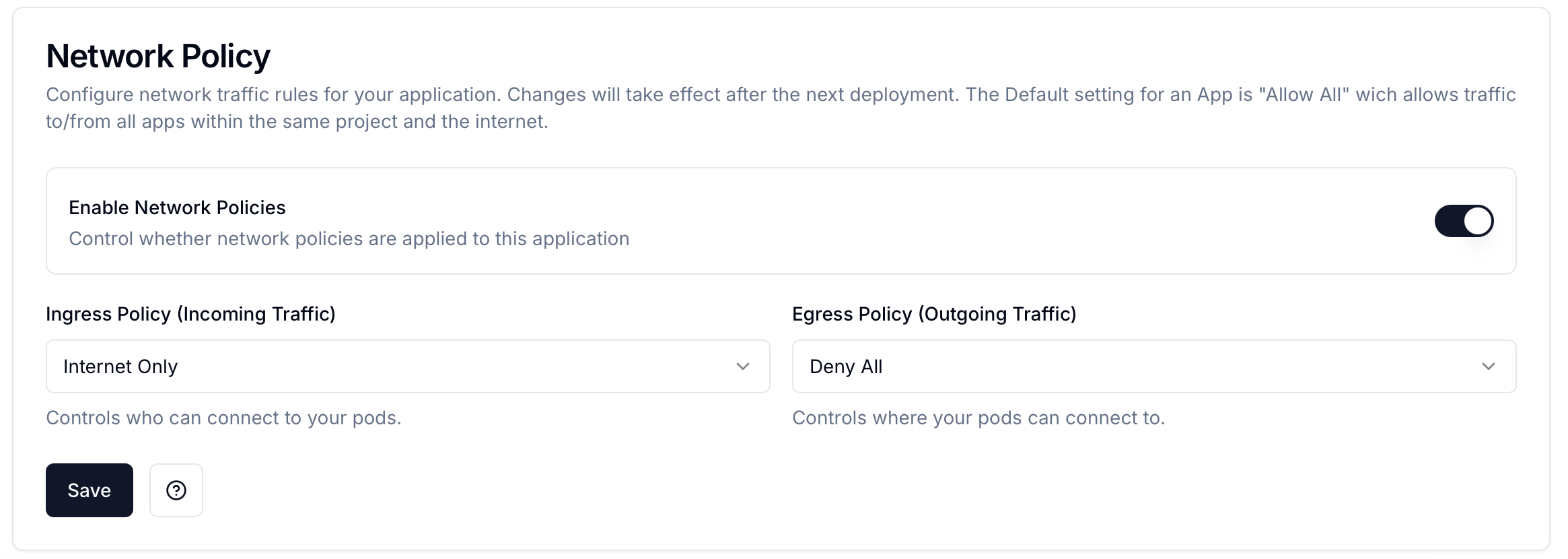
Redeployment required Network policy changes require a redeployment. Existing connections may be terminated when policies are updated.
Network graph visualization
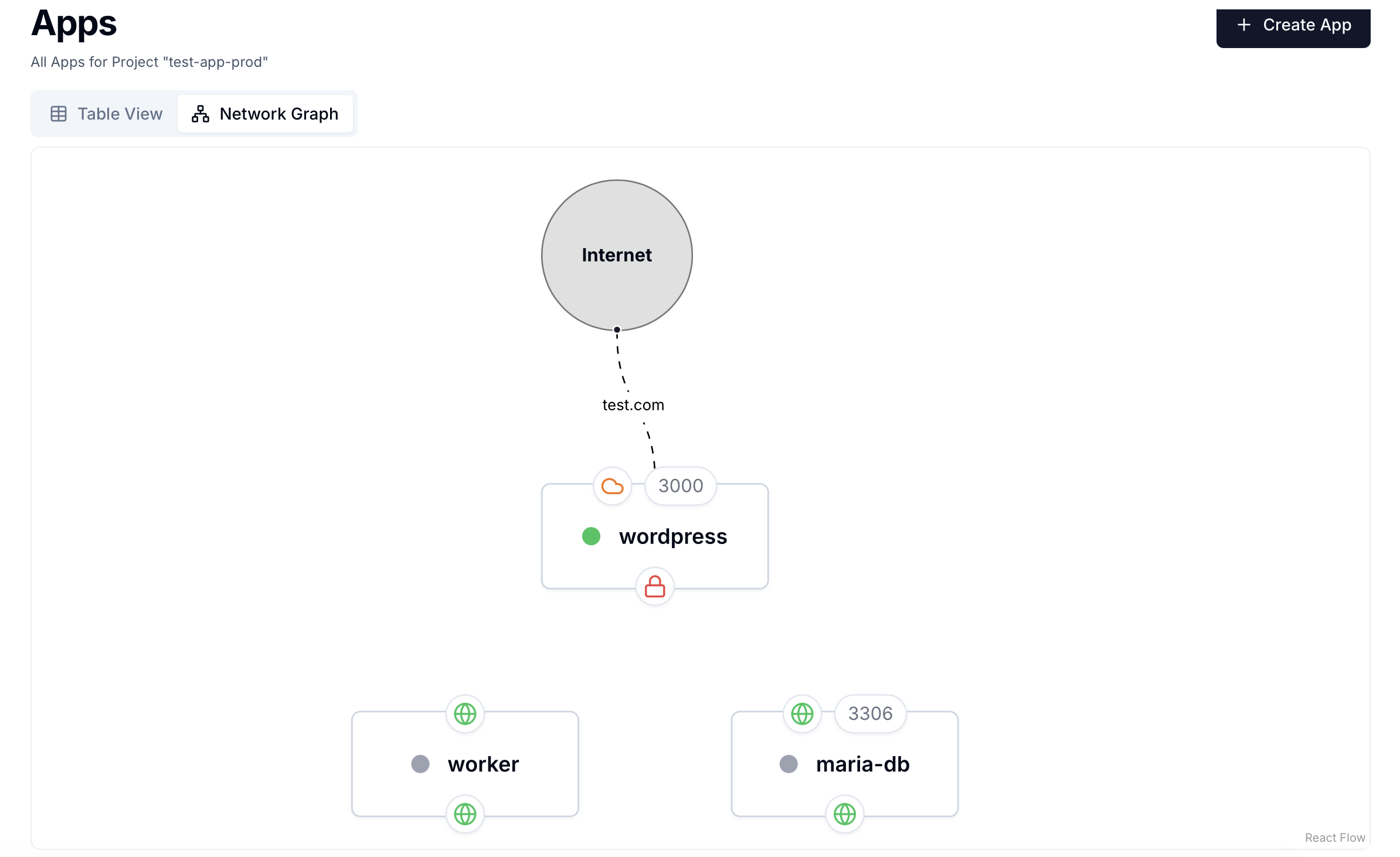
Open the project overview → Network Graph tab to see all apps and their network connections visually.
Troubleshooting
| Symptom | Fix |
|---|---|
| App can't connect to database | Check if the database has "Deny All" or "Internet Only" policy; both block intra-project traffic |
| App can't reach internet | Check if "Project Apps Only" policy is set on that app |
| Policy not taking effect | Confirm you redeployed after saving the policy change |
Related
- Basic auth — HTTP-level access restriction via Traefik
- Internal networking