

How ToAdmin
Password Reset
Reset the QuickStack admin password using the reset script.
If you've forgotten the admin password, run the following command on the server:
curl -sfL https://get.quickstack.dev/reset-password.sh | sh -Cluster installations If QuickStack runs on a multi-node cluster, run this command on the master node.
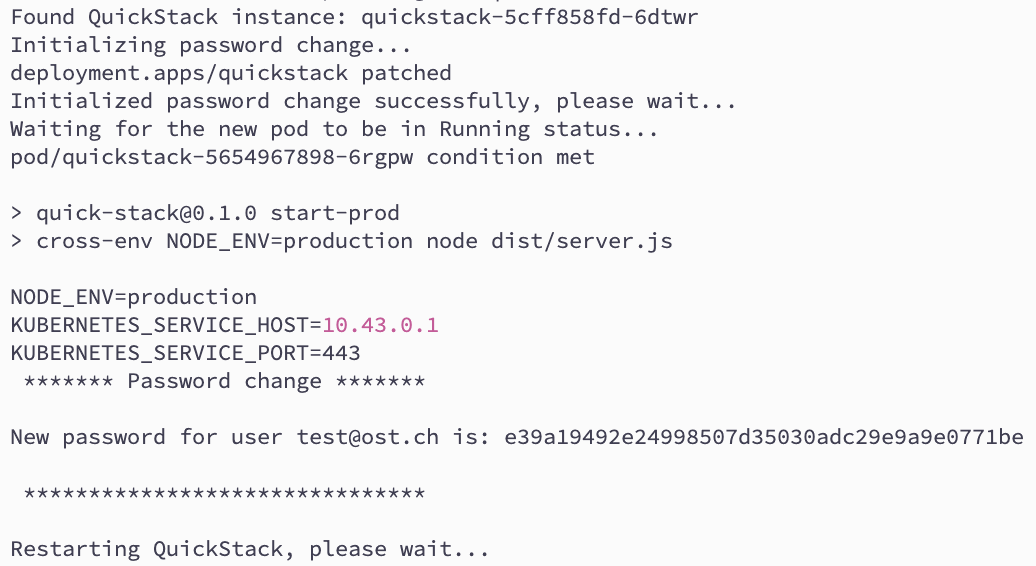
A generated password is displayed in the terminal. Use it to log in to the QuickStack UI.
Change your password after login After logging in, go to Settings → Profile & Security to set a more memorable password. Consider enabling Two-Factor Authentication for additional security.